If you are a founder, freelancer or creator who needs great-looking visuals but has no design degree and no budget for a designer, then you should check out these 7 tools.
These tools will help you with different tasks like:
Turning your metrics into branded social cards in seconds
Creating and editing images and videos from a simple prompt
Designing a custom tattoo without drawing skills
Using 500+ AI image, video and audio models in one place
Getting clean client sign-off before you hand over files
Building a client-ready portfolio site that wins work
Browsing huge photo folders without importing anything
Interested in discovering more tools? Browse 6,078+ tools, or get yours in front of 55,000 founders. Free to submit.
        |
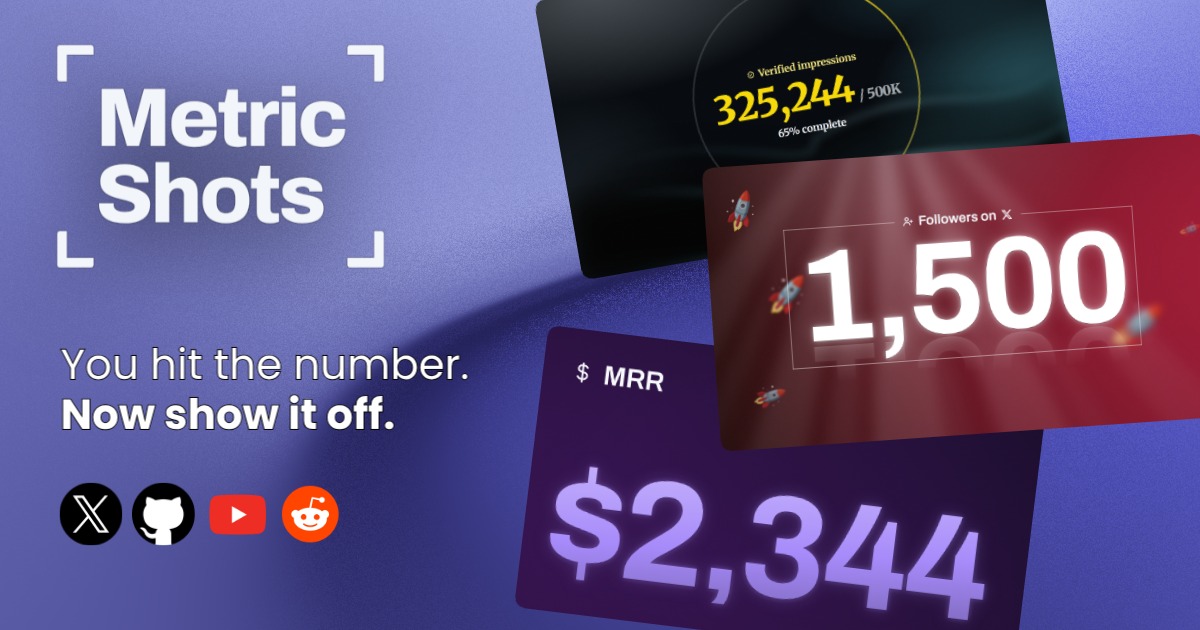
MetricShots turns your metrics into branded social cards in seconds so you celebrate wins and build credibility with your audience.
Perfect for founders who want to celebrate wins and build credibility with their audience on social media, and indie builders and solo entrepreneurs publishing progress updates in public.
Key features: generate branded social cards from metric inputs with five pre-built layouts; customize card designs with in-depth brand controls to match your visual identity; connect X account to auto-populate follower count, name, and profile picture; export cards in four different size formats for various social platforms.
Find out more: MetricShots on Launch Llama
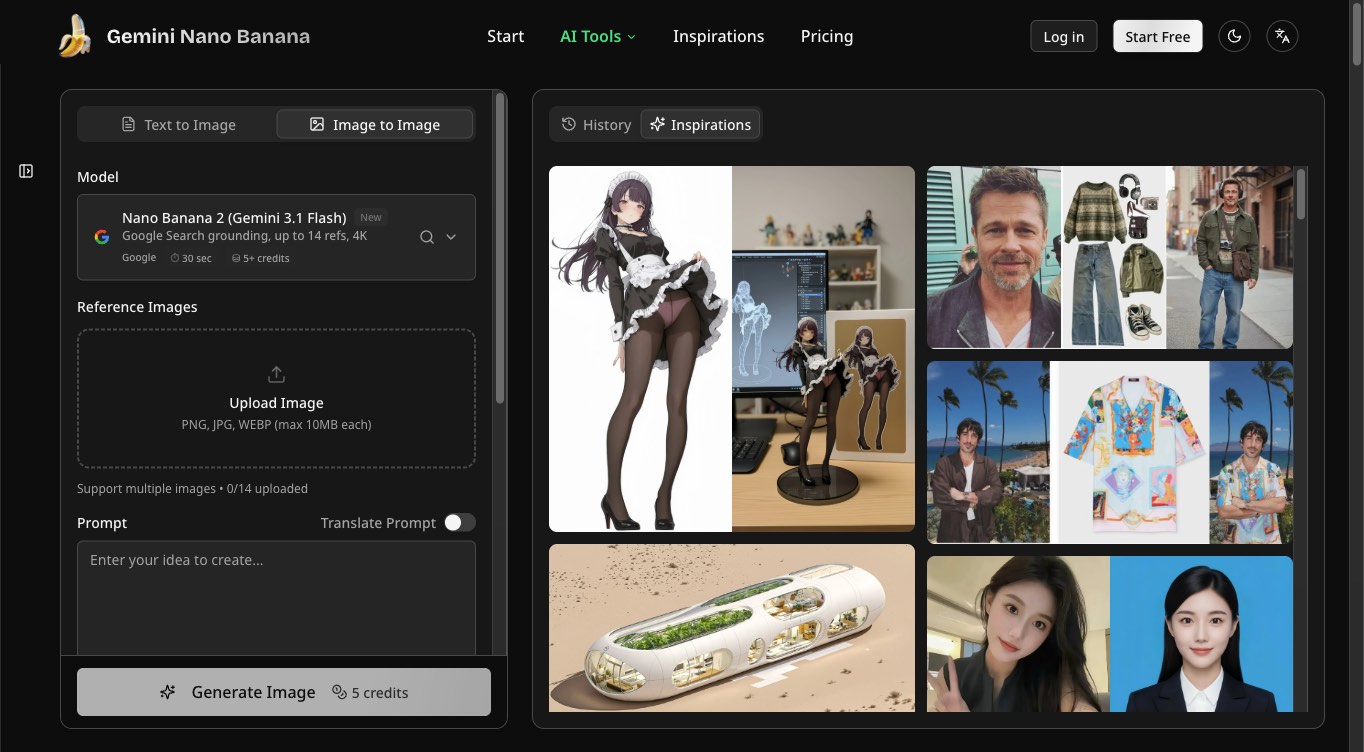
Create images from text, edit photos, generate videos, and animate still images with multiple AI models in a browser-based workspace.
Perfect for shop owners and marketers who need product visuals and campaign images for a store or promotion, and illustrators and creators who want to transform photos into illustrations or develop a series of related character images.
Key features: generate images from text prompts; edit uploaded photos using natural-language instructions; create videos from prompts and animate still images; choose among multiple AI image and video models.
Find out more: Gemini Nano Banana on Launch Llama
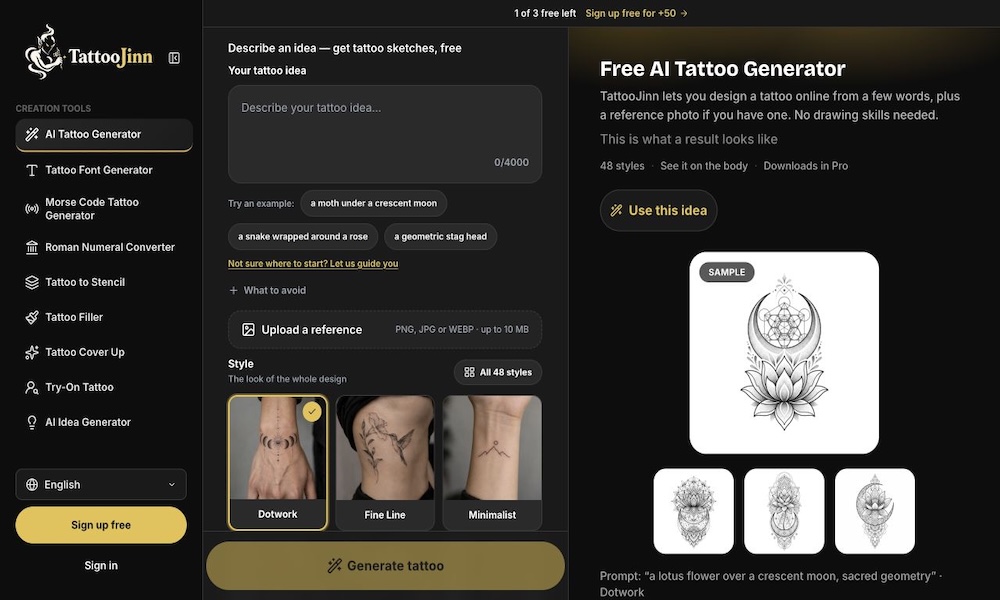
Generate custom tattoo designs with AI using text prompts and reference images. Explore unique tattoo ideas without needing drawing skills.
Perfect for people planning their first tattoo who lack drawing skills but have an idea in mind, and individuals looking for unique tattoo ideas and trying different styles for the same concept.
Key features: generate custom tattoo designs from text prompts; explore different tattoo styles and visual ideas; create personalized tattoo concepts without drawing skills.
Find out more: TattooJinn on Launch Llama
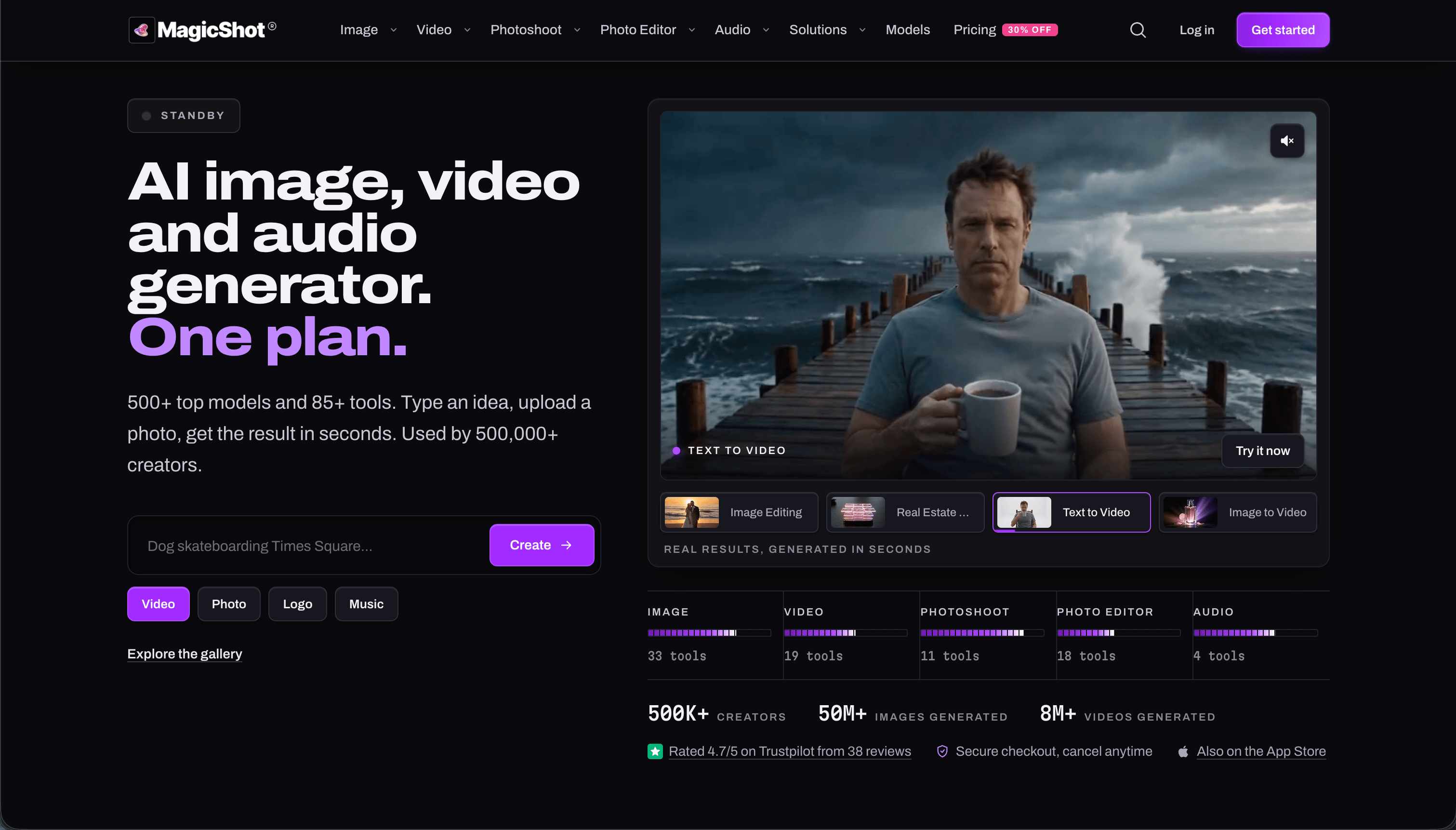
MagicShot generates images, videos, and audio from 500+ AI models in one workspace so you stop juggling separate apps and subscriptions.
Perfect for marketers producing product photos, UGC video ads and social creatives at volume, and creators and agencies delivering headshots, portraits, thumbnails and videos.
Key features: 500+ AI models including Veo, Kling, Seedance, Wan, Flux and Nano Banana in one workspace; AI Image Generator: text to image, logos, product shots, stickers, QR art, photo enhancer; AI Video Generator: text to video, image to video, 4K upscaler, UGC ads, trailers, real estate videos; AI Photoshoot: headshots, baby generator, pet, wedding and fashion portraits, avatars.
Find out more: MagicShot on Launch Llama
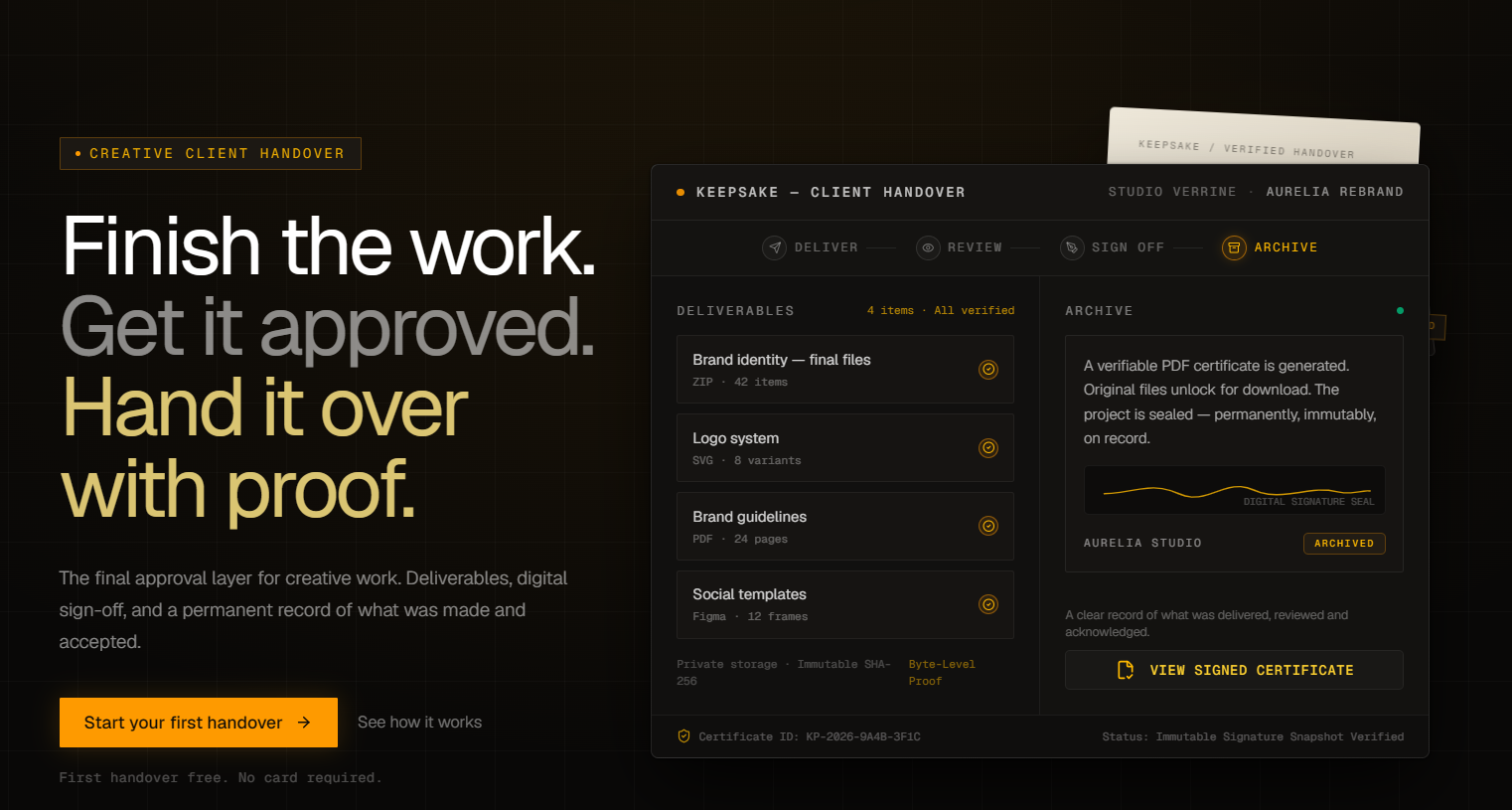
Keepsake is the final approval and handover layer for creative work.
Perfect for freelancers, creative studios and agencies.
Key features: client sign-off to get explicit approval on the finished work; file verification that ties approval to the exact files being delivered; revision history that keeps versions and changes organised; controlled handover that releases original files after approval.
Find out more: Keepsake on Launch Llama
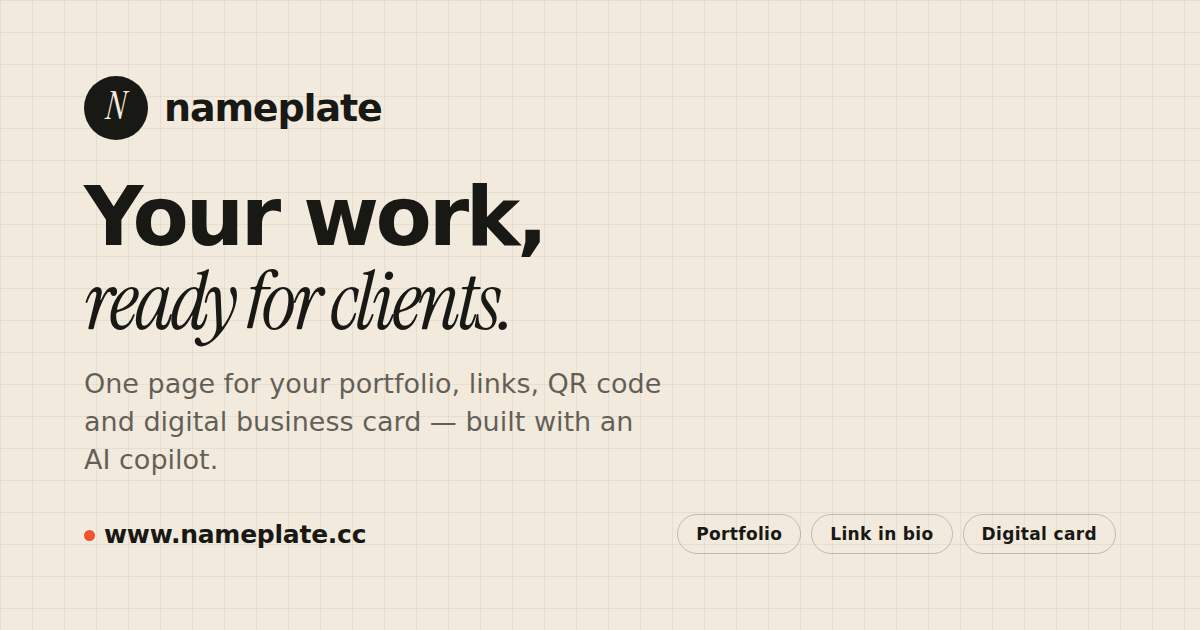
Nameplate builds client-ready portfolio sites with AI copywriting, branded links, QR codes and lead forms so you close deals faster.
Perfect for freelancers who need a shareable portfolio and contact page for winning client work, and independent creators such as motion designers who showcase reels and selected client projects.
Use it for: building a client-ready portfolio site with links, work samples, and a contact card to share with prospects; replacing a paper or digital business card with a page that also issues QR codes for print and events; adding a project inquiry form under a reel or portfolio so visitors can start a conversation with you.
Find out more: Nameplate on Launch Llama
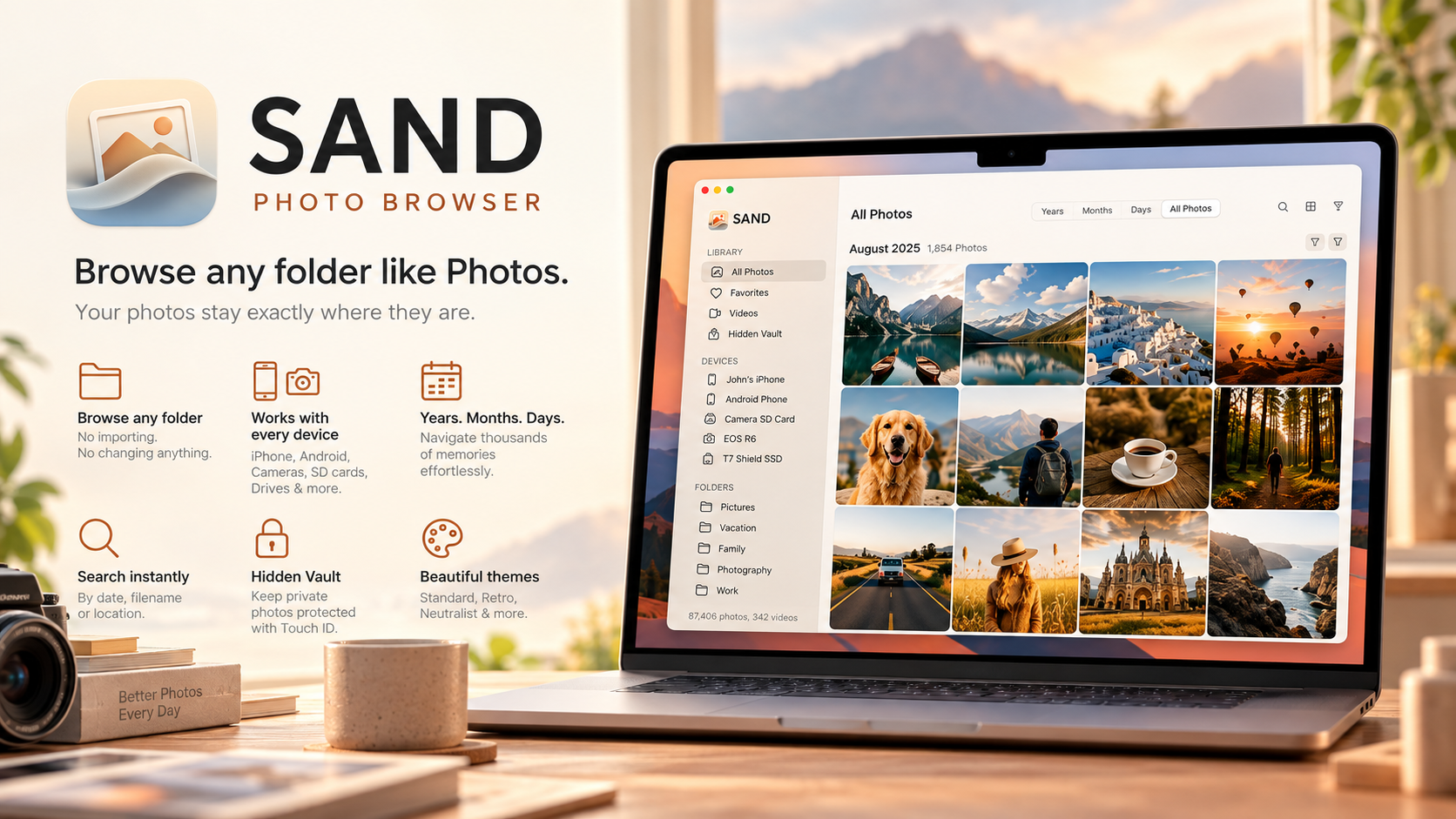
SAND browses photos from folders and devices without importing so your originals stay exactly where they are.
Perfect for photographers managing large local photo collections across external SSDs or network drives, and Mac users who want a Photos-style timeline for folders and drives without importing into a library app.
Use it for: browsing a large external SSD or NAS photo archive by date without importing or copying any files; reviewing photos directly on a connected iPhone, Android phone, or camera SD card before deciding what to import; searching offline by date, folder name, or location across local photo folders while keeping files untouched.
Find out more: SAND: Photo Browser on Launch Llama
Wrapping up
Pick the one that fits your work and try it this week. New tools launch on Launch Llama every day, and the best of each category land here.

