Is C1 by Thesys Worth Paying For? [2026 Dev Review]
What if your AI app could respond with a live, interactive form — not a wall of text? C1 by Thesys makes that the default. Here's our full, no-fluff breakdown of whether it lives up to the hype in 2026.
⚡ Quick Stats
Launch Llama Newsletter
45,000 founders read this weekly.
Get 200 AI Prompts. Fresh tools every week. Always free.
📋 Table of Contents
- Introduction — What Is C1 by Thesys?
- Rating Scorecard
- What C1 Actually Does (And Why It Matters)
- Generative UI Explained: The Paradigm Shift
- Integration & Developer Experience
- LLM Compatibility & Flexibility
- UI Customization & Design System Support
- Real-World Use Cases
- Pricing Breakdown
- Pros & Cons
- C1 vs. Competitors
- Who Is C1 For?
- Final Verdict
Introduction — What Is C1 by Thesys?
We've spent the last decade watching AI go from a novelty to the backbone of entire product categories. But here's the problem nobody talks about enough: the interface hasn't kept up. LLMs are extraordinarily capable, yet they still dump their genius into a plain text box. Your users read paragraphs when they could be clicking a form, exploring a chart, or filling out a structured card — all generated on the fly, tailored to exactly what they asked.
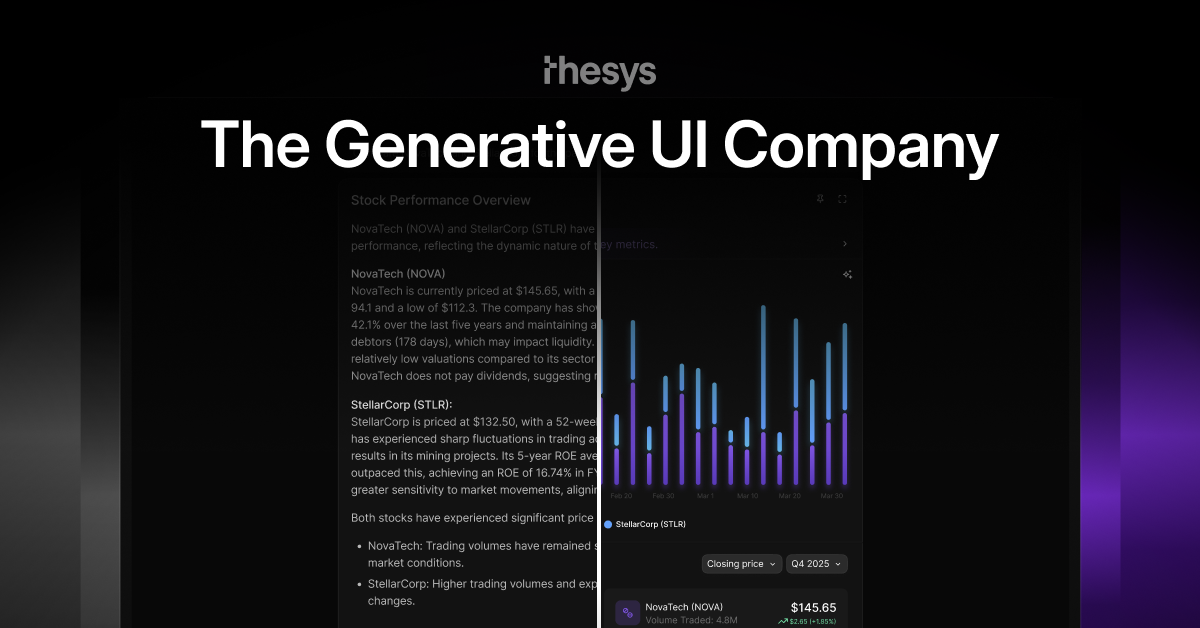
That's the gap C1 by Thesys was built to close. It's a Generative UI API — a middleware layer that sits between your LLM and your frontend, intercepting plain-text responses and converting them into live, interactive UI components in real time. Think forms, charts, tables, cards, and layouts that are generated dynamically based on user intent, not hardcoded by a developer months in advance.
For developers building AI-native apps, copilots, or internal tools in 2026, this is a genuinely compelling proposition. If you've ever spent weeks wiring up conditional UI logic for every possible LLM output state, you'll immediately understand why 650+ builders have already upvoted this tool. If you're exploring the broader landscape of AI developer tools worth building with in 2026, C1 deserves a serious look.
In this review, we go deep: what C1 actually does under the hood, how the integration experience holds up in practice, where it shines, where it has room to grow, and whether the pricing makes sense at each tier. Let's get into it.
Rating Scorecard
What C1 Actually Does (And Why It Matters)
At its core, C1 is an API middleware layer. You call it the same way you'd call any LLM completion endpoint — but instead of getting back a string of text, you get back a fully structured, renderable UI component. The C1 React SDK then takes that structured output and renders it live in your application, adapting in real time to what the user actually asked.
Here's a concrete example. Imagine a user types: "Show me a breakdown of our Q1 revenue by region." With a traditional LLM, you'd get a paragraph of text — maybe some bullet points. With C1, that same query returns an interactive bar chart, pre-populated with the relevant data structure, ready to render. No custom chart component. No conditional rendering logic. No hardcoded UI state. The LLM decides what the UI should be, and C1 makes it happen.
The component library is rich and growing. C1 currently supports:
- Forms — dynamically generated input fields, dropdowns, date pickers, and multi-step flows
- Charts — bar, line, pie, and more, rendered from LLM-structured data
- Cards — structured information cards with actions, metadata, and rich content
- Tables — sortable, filterable data grids generated from LLM output
- Layouts — composite UI arrangements that combine multiple components contextually
The key insight is that C1 doesn't just wrap text in a box — it fundamentally changes the contract between your LLM and your user. The LLM becomes the UI designer, dynamically, for every single interaction. This is what makes C1 feel genuinely transformative rather than just another wrapper API.
Generative UI Explained: The Paradigm Shift
To fully appreciate what C1 does, you need to understand the concept it's built around: Generative UI. This is the idea that instead of developers pre-building every possible interface state, the AI generates the appropriate UI at runtime, based on context, user intent, and application state.
Traditional AI app development follows a rigid pattern: you anticipate every possible user query, design a UI state for each, and hardcode the logic to switch between them. This works fine when your use cases are narrow and well-defined. But AI-native apps — copilots, agents, intelligent dashboards — have virtually unlimited possible states. Hardcoding the UI for all of them is not just impractical; it's architecturally broken.
Generative UI flips this entirely. The LLM understands the user's intent, determines what kind of interface would best serve that intent, and generates the appropriate component structure. C1 then renders it. The developer's job shifts from "build every UI state" to "define the context and let the AI handle the rest." This is a profound reduction in complexity — and it's why Thesys claims 80% less UI overhead, a number that feels credible once you understand the architecture.
It's also worth noting how C1 differs from tools like Lovable or Bolt. Those tools help you build UI before your app ships — they're development-time assistants. C1 operates at runtime — it builds and shows the actual interface while your app is running, customized for each user and each interaction. The distinction is fundamental. If you're evaluating tools in the broader AI development ecosystem, understanding this runtime vs. build-time distinction is crucial for choosing the right stack.
Integration & Developer Experience
One of the most impressive things about C1 is how seriously Thesys has taken the developer experience. The headline claim — integrate in 2 lines of code — is not marketing fluff. The C1 API is designed as a drop-in replacement for standard LLM completion calls, which means if you're already calling OpenAI or Anthropic, switching to C1 is genuinely minimal-friction.
The integration path looks roughly like this:
// Before: Standard LLM call
const response = await openai.chat.completions.create({...});

// After: C1 by Thesys (2-line change)
import { c1 } from '@thesys/c1';
const response = await c1.chat.completions.create({...});
On the frontend, the C1 React SDK handles rendering. You drop in a single component, pass it the C1 response stream, and it renders whatever UI the LLM decided was appropriate. The SDK handles streaming, partial renders, loading states, and error boundaries out of the box — things that would typically require significant custom engineering.
The documentation is thorough, well-organized, and clearly written by people who have actually built with the API themselves. There are quickstart guides, framework-specific examples (React, Next.js), and a Discord community that's reportedly active and responsive. For a relatively early-stage product, the support infrastructure is notably mature.
C1 also supports MCP (Model Context Protocol), which is increasingly important as the AI agent ecosystem matures. This means C1 can slot into multi-agent architectures and tool-calling workflows without friction — a detail that matters a lot for teams building sophisticated AI systems rather than simple chatbots.
LLM Compatibility & Flexibility
One of the most common questions developers ask about any AI middleware is: "Does this lock me into a specific model?" With C1, the answer is a clear no. C1 by Thesys works with all leading LLMs out of the box, including OpenAI's GPT family and Anthropic's Claude models, with additional model support being added continuously.
This model-agnostic design is strategically smart. The AI model landscape in 2026 is moving fast — new frontier models drop every few months, and teams regularly switch providers based on cost, capability, and latency. C1's architecture means you can swap your underlying LLM without touching your UI layer. The Generative UI logic stays consistent regardless of which model is powering it.
For enterprise customers on the Scale tier, Thesys also offers a "Bring Your Own LLM Key" option (available on request). This is a significant feature for organizations with existing model agreements, compliance requirements around data routing, or teams that have fine-tuned their own models. The fact that C1 can accommodate BYOK at the enterprise level signals that Thesys is thinking seriously about real-world enterprise deployment constraints.
The free tier even includes $10 worth of LLM credits — meaning you can explore Generative UI without needing to set up your own API keys immediately. For developers evaluating the technology, this dramatically lowers the barrier to a meaningful proof-of-concept.
UI Customization & Design System Support
A reasonable concern with any generative UI system is: "Will it look like my product, or will it look like a generic AI tool?" Thesys has addressed this head-on. C1 is built on top of Crayon's UI library, which provides a robust theming and token system. Any customization supported by Crayon — themes, color tokens, typography, component variants — works out of the box with C1.
In practice, this means you can define your brand's design tokens once, and every UI component C1 generates will automatically respect them. Your charts will use your brand colors. Your forms will use your font stack. Your cards will follow your corner radius and spacing conventions. The generative nature of the UI doesn't mean it looks generic — it means it's consistently on-brand, every time.
For teams with mature design systems, this is a significant selling point. You're not adopting a foreign component library and hoping it doesn't clash with your existing codebase — you're extending your existing design system into a generative context. The integration feels additive rather than disruptive.
For teams without a mature design system, C1's defaults are clean, professional, and functional. The out-of-the-box experience is polished enough that early-stage products can ship with it immediately without feeling embarrassed by their UI.
Real-World Use Cases
C1 isn't a solution looking for a problem. There are specific categories of products where Generative UI provides outsized value. Here are the use cases where C1 genuinely excels:
🤖 AI Copilots & Assistants
Internal tools where employees ask natural language questions and need structured, actionable responses. Instead of reading a paragraph about quarterly performance, a sales rep gets an interactive table they can sort and filter. A support agent gets a dynamic form pre-filled with customer context. The productivity gains compound quickly.
📊 AI-Powered Dashboards
Analytics products where the visualization should adapt to the question being asked. Users shouldn't have to navigate to a pre-built chart — they should be able to ask "compare our CAC by channel over the last 6 months" and get the right chart, generated live. C1 makes this the default behavior rather than a complex engineering project.
🔧 Developer Tools & IDEs
Tools where the interface needs to adapt based on what code or configuration the AI is working with. A debugging copilot that shows a structured error breakdown. A deployment assistant that generates a configuration form based on what it detects about your infrastructure. C1 enables these experiences without months of custom UI work.
🏥 Healthcare & Compliance Apps
With HIPAA support at the enterprise tier and SOC2 compliance, C1 is positioned for regulated industries where AI-generated interfaces need to meet strict data handling requirements. A clinical assistant that generates structured intake forms, or a compliance tool that surfaces relevant regulatory sections as interactive cards — these are real, high-value applications.
🛒 E-commerce & Product Discovery
Shopping experiences where AI understands what a user is looking for and generates a tailored product comparison card, a filtered results layout, or a configuration wizard — all without the user having to navigate through static category pages. The conversion potential here is significant.
Pricing Breakdown
C1's pricing is structured in four tiers, and it's worth analyzing each carefully to understand where the value lies for different team sizes and usage patterns.